


Ep -
292
44 min
How To Build A Company Brain With NotebookLM
Your SOPs, training videos and best answers are buried in a drive somewhere, useless to the person who needs them today. Grant Fullenbach shows how a free tool called NotebookLM turns all of it into a company brain that answers questions using only your internal material.

AI tools are multiplying fast. For contractors, the challenge isn’t finding another tool to experiment with. It’s figuring out which ones can actually save time, improve systems and make running the business easier.
In this episode of Contractor Evolution, Danny Kerr sits down with Grant Fullenbach, an AI and construction technology expert who helps companies implement platforms like JobTread and Buildertrend. Rather than chasing every new AI feature, Grant breaks down three practical tools contractors can start putting to work: NotebookLM, Prompt Cowboy and Claude Cowork.
The goal isn’t to become an AI expert. It’s to point AI at real bottlenecks in your business.
Turn Your Company Knowledge Into a Usable Resource
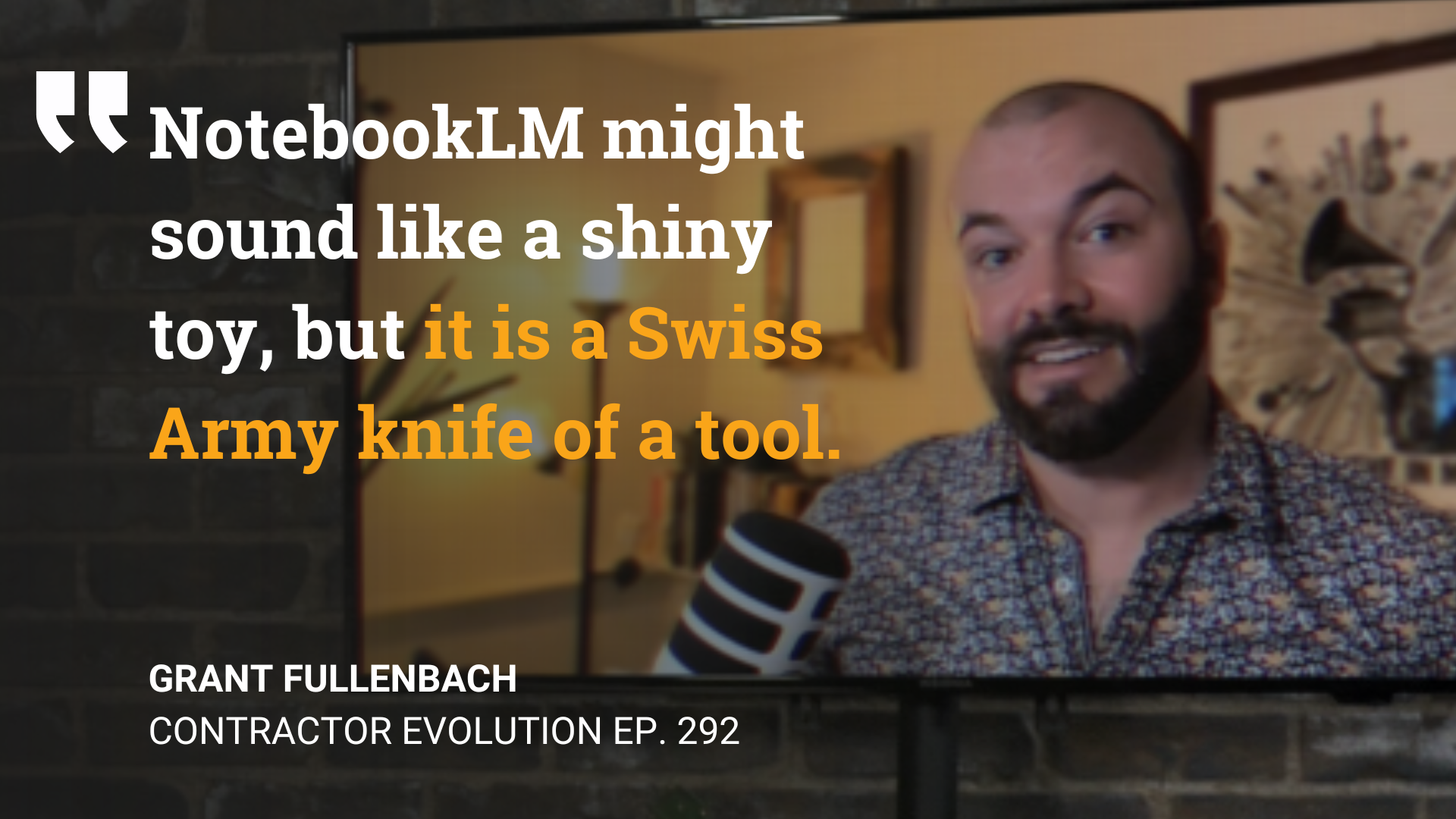
One of Grant’s top recommendations is NotebookLM. Instead of relying on general information from the internet, NotebookLM works from the sources you give it. Contractors can load it with SOPs, training videos, estimates, call transcripts, PDFs and other company documentation to create what Grant describes as a type of company business brain that opens up some practical applications.
With this tool, new employees can get answers about company processes without constantly asking a manager. Existing SOPs can even become checklists, presentations or training material. Customer conversations and meeting transcripts can be turned into follow-up content.
Stop Using AI Like a Better Search Bar
Grant also highlights Prompt Cowboy, a tool designed to turn a rough idea into a more detailed prompt before you send it to an AI platform.
That matters because getting value from AI often requires endless back-and-forth. Better instructions upfront can reduce that cycle and get you to a useful result faster, which Prompt Cowboy helps with.
Then there’s Claude Cowork, which takes AI beyond answering questions and into actually executing repeatable workflows. Some areas Claude Cowork assists with range from recurring audits to construction scheduling that factors in subcontractor availability and weather conditions.
Key Takeaways for Contractors
- Start with the bottleneck, not the tool. Look at where your team repeatedly loses time, then determine where AI can accelerate the process.
- Build a company knowledge base. Centralize SOPs, training, meetings and other documentation so your team can actually use the knowledge you’ve already created.
- Improve your inputs. Better prompts can dramatically reduce the back-and-forth required to get a useful AI output.
- Automate repeatable workflows. Once you find a process AI handles well, look for opportunities to turn it into a repeatable or scheduled workflow.
- Start small. You don’t need an elaborate AI ecosystem. Grant’s recommendation for beginners is simple: put a few existing documents into NotebookLM and start experimenting.
AI can quickly become another shiny object. But used against the right problems, it can become another system for getting repetitive work off your plate.
Watch the full episode of Contractor Evolution to see Grant walk through these tools and demonstrate what contractors can build with them.
If you want to build stronger systems throughout your contracting business and spend less time stuck in the day-to-day, book a complimentary discovery call with Breakthrough Academy to explore how we can help.
Table of Contents


The business coach that lives in your inbox
You’ve built something great. Let’s make it amazing.
Ready to take your business to the next level? Let's chat.
Curious how the program will work for YOU?
You have all the right pieces of the puzzle.
We’ve helped over 1,900 contractors just like you
You don’t need to build it by yourself.
The time is now.
Over 1,900 Contractors have built businesses they’re proud of with Breakthrough Academy.
Systemizing your business is a lot of work. NOT doing it is even more.
Systemizing your business is a lot of work. NOT doing it is even more.
If you’ve read this far, it's safe to say you’ve already tried a bunch of stuff.
